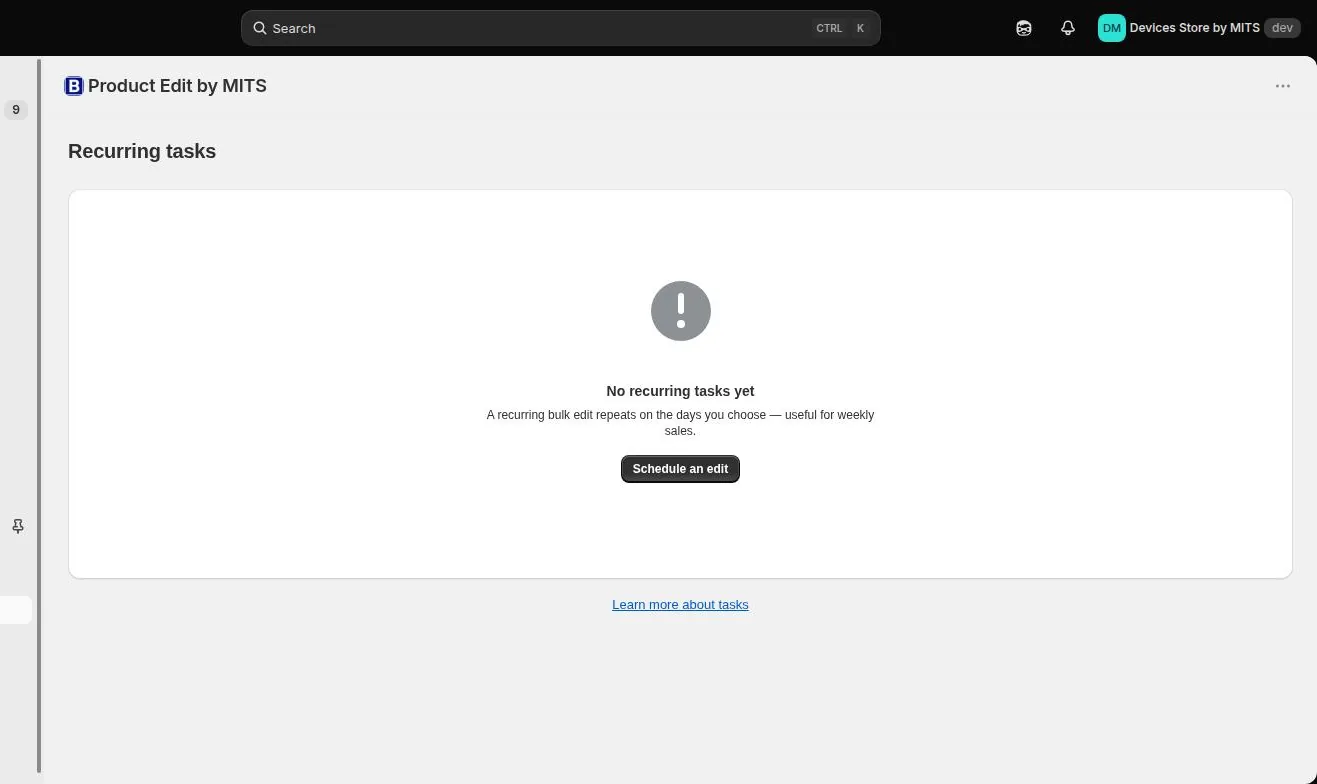
Recurring tasks are configured in the same Schedule panel as one-time tasks, and then managed from their own screen where you can see the next run and stop a schedule without deleting it.
Step by step
- Build the task. Filter and edit exactly as you would for a one-time task.
- Choose Recurring task. In the Schedule panel, select the recurring option instead of one-time.
- Pick the weekdays. Select the days it should run on — any combination, or every day.
- Pick the time. Set the time of day for the run.
- Save and check. Open Recurring tasks: the schedule appears with its next start time and an active or stopped state.
- Review the first runs. After the first two or three runs, read the task history — a recurring mistake repeats itself, so this is the moment to catch it.
Follow the steps in your own store — the free plan covers ten products per task.
You will be redirected to the Shopify app store.
Make the rule idempotent
A recurring “decrease price by 10%” compounds every week until the product is nearly free. Recurring rules should set a value — price from cost, for instance — rather than nudge the current one.
Plan limits
Two active recurring tasks on Basic, three on Standard, seven on Plus. Stopping a schedule frees the slot without deleting the task.
Related tutorials
Recurring price changes on Shopify
Repeat a bulk edit on chosen weekdays, with the filter re-evaluated each run.
Read moreAutomating price updates on Shopify
Clock-driven and event-driven automation, and the compounding trap to avoid.
Read moreHow to schedule a sale that ends itself
Two timestamps that make a promotion start and end on its own.
Read more